Don't Delete Worker Records When They Leave: DGX HRMS Shows You How to Correctly Update the CWRG End Date
Essential Reading for Site Managers: A Guide to Compliant CWRG Record Handling and Access Deactivation to Avoid Violations, Made Easy with DGX HRMS
Time & Payroll Suite
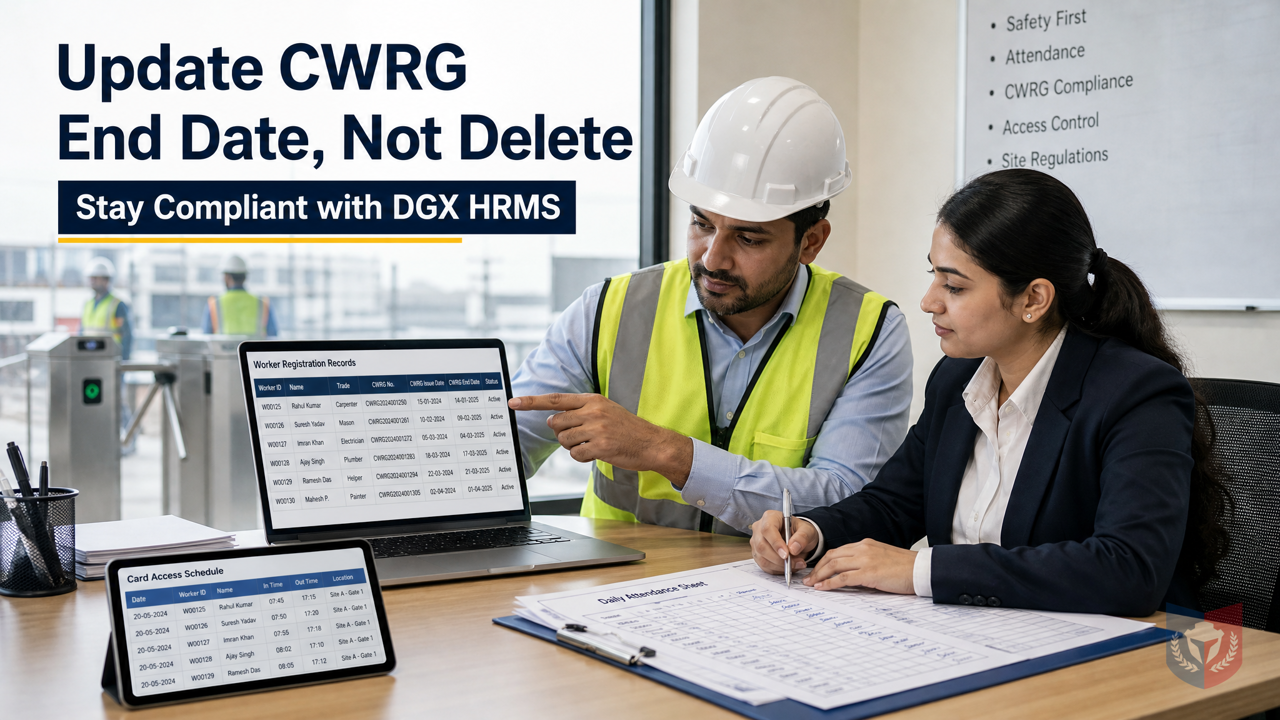
Attendance, Payroll and Access Control Solution for Cost Reduction and Productivity Gains Details
All‑in‑one automated timekeeping and payroll system with robust, secure processes to guarantee payroll integrity. Includes leave management, shift rostering, multi‑site and chain support, multi‑ledger accounting, and comprehensive modules.
What to Do When a Worker Leaves? Deleting Files May Be Non-Compliant
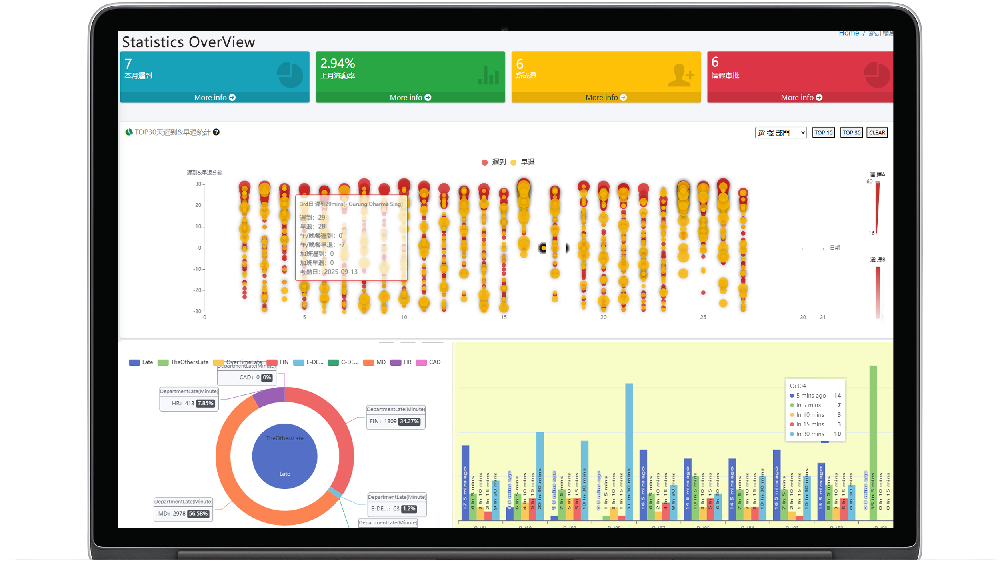
In site management, handling worker departures is often a headache. Many site managers simply delete the CWRG registration card files of departed workers, thinking the process is complete. However, under Chapter 583 of the Laws of Hong Kong, the Construction Workers Registration Ordinance, the main contractor must submit Daily Attendance Records (DAR) on time, and the correct approach after a worker leaves is to update the "End Date" in the worker registration form to the departure date, rather than deleting historical files. Otherwise, you may face compliance risks due to incomplete records.
Consequences of Improper CWRG File Handling
The CWRG system has the main contractor responsible for worker records on site, but workers employed by subcontractors cannot be managed under the main contractor's direction, and this management gap has not been properly addressed since the CIC platform was launched. If a subcontractor's worker leaves and the end date is not updated promptly and the card-tapping permission is not disabled, this may lead to:
- Departed workers still being able to enter the site, creating safety risks;
- Inaccurate DAR records, affecting compliance;
- Non-compliance discovered during audits, resulting in fines or legal liability.
DGX HRMS One-Stop Solution
To address the above issues, DGX HRMS provides a subcontractor worker management interface, enabling the main contractor and subcontractors to share one platform system without each building their own. Our system allows site managers to easily handle the worker departure process and ensure compliance with regulatory requirements.
Attendance Devices and Permission Management
DGX HRMS attendance devices support card-tapping records and are tightly integrated with the system management module. When a worker leaves, managers can use the "Bulk Import Attendance List" function in system management to quickly update the worker's status and disable their site card-tapping permission within 7 days or on the day of departure. This ensures permissions are revoked immediately, preventing unauthorized entry.
Role and Permission System
The DGX HRMS role and permission system is based on a hybrid policy and role architecture, allowing you to flexibly define permissions and policies. The system comes with three default roles:
- System Administrator SystemAdmin: holds the highest permissions and is responsible for overall system configuration;
- Company Administrator Admin: manages company-level users and permissions;
- Company Operator MainComOperator: performs daily operations such as attendance list import.
Through role authorization, you can finely control each employee's access permissions, ensuring that only authorized personnel can modify CWRG records or disable card-tapping permissions.
System Management Functions
The DGX HRMS system management module includes a number of practical functions to help you handle worker departures efficiently:
- User Role Authorization: easily assign roles to ensure permissions match responsibilities;
- Role Definition List: view all default roles and customize them according to business needs;
- Role Authorization: set specific permissions for roles, such as modifying the end date in the worker registration form;
- Company Service Review: review company-level service requests to ensure compliance;
- Configuration./CONFIG: adjust system parameters to align with company policies;
- Multi-language Management: supports Traditional Chinese, Simplified Chinese, and English for users of different languages;
- System Users: manage user accounts, including adding, modifying, and disabling;
- Bulk Import Attendance List: quickly import worker lists, saving manual operation time.
Steps for Correctly Handling Worker Departures
- Update the CWRG End Date: on the day the worker leaves, update the "End Date" in their worker registration form in the CWRG system to the departure date; do not delete the file.
- Disable Card-Tapping Permission: on the day of departure or within 7 days, disable the worker's site card-tapping permission through the DGX HRMS system management function.
- Submit DAR: ensure accurate Daily Attendance Records are submitted in the next submission cycle (within 7 days).
DGX HRMS automation features reduce manual errors, for example, bulk import of attendance lists lets you handle multiple departure cases at once, while the role permission system ensures only authorized personnel can perform sensitive operations, reducing compliance risks.
Why Choose DGX HRMS?
- Compliance Assurance: closely follows CWRG requirements to avoid non-compliance fines;
- Efficiency Improvement: automates the departure process, saving time;
- Permission Control: fine-grained role authorization to prevent unauthorized access;
- Multi-language Support: adapts to Hong Kong's diverse language environment;
- Industry Solution: designed specifically for the construction industry, covering site attendance and payroll management.
Contact us now to learn how DGX HRMS can help you simplify worker departure management and ensure worry-free compliance!





























Featured Reviews
No reviews yet. Be the first to leave one.
Write a review
Supports bold and lists; do not paste external scripts or images
0 / 2000
Visible after review